

Instant Casino App
The Instant Casino mobile app puts a full sportsbook and casino in your pocket. Place bets, spin slots, and manage your account from any Android or iOS device. New players in Canada can claim a 200% welcome bonus up to $7,500 on their first deposit.
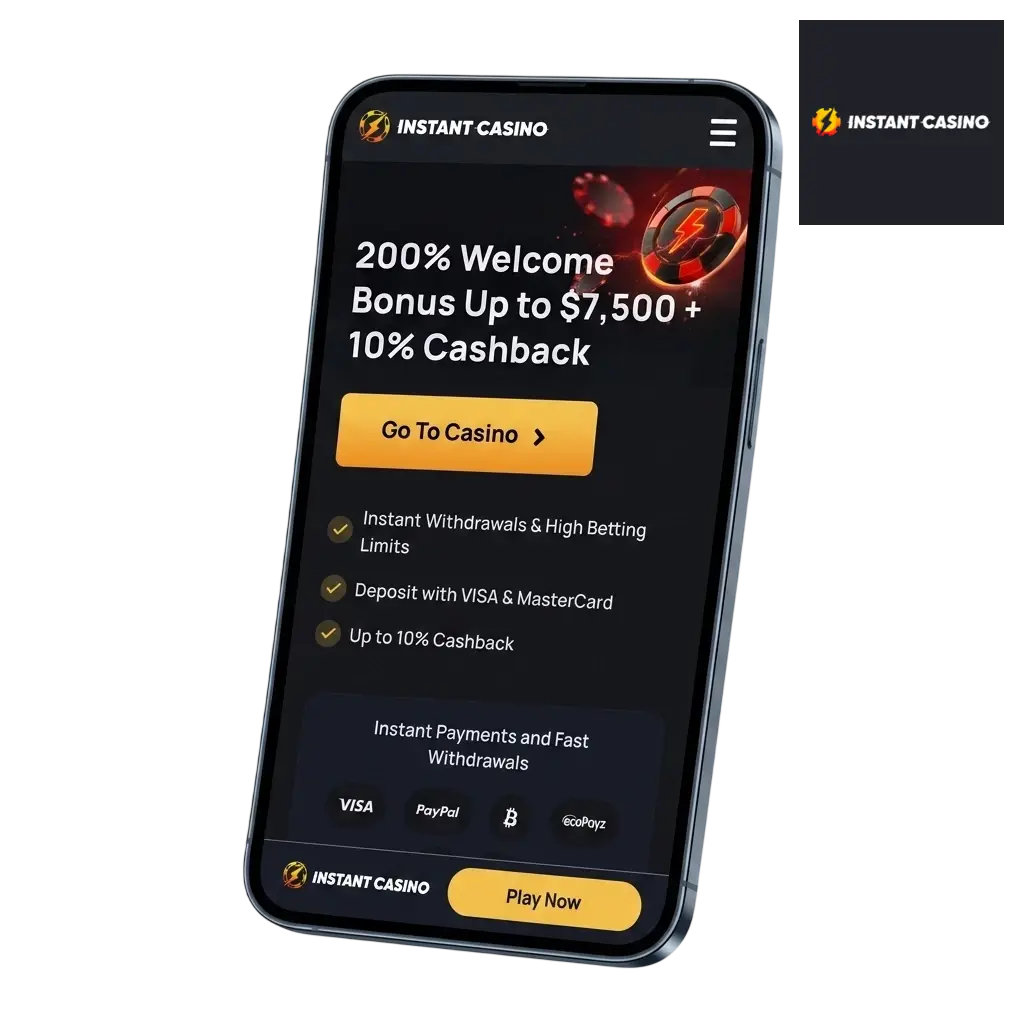
Instant Casino App Overview
The Instant Casino application covers both sports betting and casino play in a single, unified platform. It operates under a Curaçao gaming licence and accepts Canadian players with CAD as a supported currency. The table below covers everything you need to know before you download.
| Feature | Details |
|---|---|
| App Category | Real-Money Casino & Sportsbook |
| Licence | Curaçao eGaming (licence no. 8048/JAZ) |
| Supported OS | Android 5.0+, iOS 14.0+ |
| Latest Version | 2.4.1 (2026) |
| Release Date | 2022 |
| Download Cost | Free |
| App Languages | English, French, and others |
| Supported Countries | Canada and other accepted jurisdictions |
| Welcome Bonus – Casino | 200% up to $7,500 |
| Welcome Bonus – Sports | Available (see Bonuses section) |
| Bet Types | Singles, accumulators, system bets, live in-play |
| Customer Support | 24/7 live chat, email |
Download the Instant Casino APK for Android in 3 Steps
The full installation takes under 3 minutes on any supported Android device. Follow the three steps below to get the app running.
- Tap the “Download APK” button. Scroll to the download section on this page and tap the “Download APK” button. Your browser will prompt you to confirm the download; tap “OK” or “Download” to proceed.
- Save the Instant Casino APK file. The APK file downloads automatically to your device’s default Downloads folder. If prompted by your browser, tap “Download anyway” to confirm.
- Install the app. Open your Downloads folder, tap the APK file, then tap “Install” when the system prompt appears.
Supported Devices for the Instant Casino APK Version
The Instant Casino APK runs on all major Android brands as long as the device runs Android 5.0 or higher. Most flagship and mid-range models released after 2019 are fully compatible. The table below lists confirmed supported brands and models.
| Brand | Models |
|---|---|
| Samsung | Galaxy S23, S24, A54, A35, Note 20 |
| Sony | Xperia 1 VI, Xperia 5 V, Xperia 10 VI |
| Huawei | P50, P60 Pro, Mate 50 Pro |
| OnePlus | 12, 12R, Nord 4, Nord CE 4 |
| Oppo | Reno 12, Find X7, A98 |
| Pixel 8, Pixel 8 Pro, Pixel 9, Pixel 9 Pro | |
| Xiaomi | 14, 14 Pro, Redmi Note 13 Pro, POCO X6 |
| Poco | POCO F6, POCO F6 Pro, POCO M6 Pro |
System Requirements for Android
The Instant Casino Android app is optimised to run on mid-range hardware. It performs reliably on devices with at least 2 GB RAM and 50 MB of free storage. The table below details the minimum and recommended specifications for a stable experience.
| Requirement | Minimum | Recommended |
|---|---|---|
| Operating System | Android 5.0 (Lollipop) | Android 8.0 or higher |
| RAM | 2 GB | 4 GB |
| Storage Space | 50 MB free | 100 MB free |
Download the Instant Casino App for iOS in 3 Steps
Installing the Instant Casino iOS app takes under 2 minutes via the App Store. Complete the three steps below to start playing.
- Tap the “Download App for iOS” button. Use the button on this page to go directly to the Instant Casino listing in the Apple App Store. You can also search “Instant Casino” in the App Store search bar to locate the official listing.
- Download the app directly from the App Store. Tap “Get” on the App Store listing, then authenticate with Face ID, Touch ID, or your Apple ID password. The 78 MB file downloads and installs automatically.
- Open the app and start betting. Tap the Instant Casino icon on your home screen to launch the app. Log in with your existing account or register in under 3 minutes to claim your welcome bonus.
Supported Devices for the Instant Casino iOS Version
The Instant Casino app for iPhone is compatible with all Apple devices running iOS 14.0 or higher. iPads with iOS 14.0+ are also supported, with a layout optimised for larger screens. The table below lists current compatible Apple models.
| Brand | Models |
|---|---|
| Apple iPhone | iPhone 8, iPhone SE (2nd Gen), iPhone 11, 12, 13, 14, 15, 16 series |
| Apple iPad | iPad (9th, 10th Gen), iPad Air (4th, 5th Gen), iPad Pro (11-inch & 12.9-inch, 2021–2024), iPad mini (6th Gen) |
System Requirements for iOS
The Instant Casino iOS application runs on any iPhone or iPad meeting Apple’s iOS 14.0 baseline. Performance is most stable on devices with at least 3 GB RAM, which covers all iPhone 11 models and newer. The table below outlines minimum and recommended specifications for Canadian players.
| Requirement | Minimum | Recommended |
|---|---|---|
| Operating System | iOS 14.0 | iOS 16.0 or higher |
| RAM | 2 GB | 3 GB |
| Storage Space | 100 MB free | 200 MB free |
Instant Casino App for PC
There is no standalone Instant Casino software package for Windows or macOS. PC players access the full platform through any modern desktop browser, including Chrome, Firefox, Safari, and Edge, with no download required. The browser-based platform delivers the complete sportsbook and casino experience, including live betting and live dealer tables. All deposit methods, withdrawal options, and account management tools available on mobile are accessible on the desktop site. For players who prefer an app-like experience on PC, the Instant Casino website can be pinned as a progressive web app shortcut directly from the Chrome browser menu.
Registration Process via the App
- Open the app and tap “Sign Up”. The registration button appears on the app’s home screen before you log in.
- Enter your personal details. Provide your full name, date of birth, email address, and a password of at least 8 characters.
- Add your contact and address information. Enter your Canadian phone number and residential address, including province and postal code.
- Select CAD as your account currency. Canadian dollars is available in the currency dropdown during registration.
- Verify your email address. Open the confirmation email from Instant Casino and click the verification link to activate your account.
Bonuses for Mobile Players
All active promotions on Instant Casino are fully accessible through the mobile app. There is no separate mobile-only bonus tier; every offer available on desktop applies identically to app users. Canadian players can claim the welcome bonus, reload promotions, and ongoing casino offers directly from the Promotions tab in the app. Bonus funds and free spins credited to your account are immediately visible in the app wallet. Terms and wagering requirements are displayed in full within each bonus detail page inside the app.
Welcome Bonus
| Detail | Information |
|---|---|
| Type | Deposit match bonus |
| Amount | 200% up to CAD 7,500 |
| Minimum Deposit | CAD 20 |
| Wagering Requirement | 40x bonus amount |
| Validity Period | 30 days from activation |
| Eligible Games | Slots (100% contribution); live casino and table games contribution varies |
How to Update the Instant Casino App to the Latest Version
Android: The APK does not auto-update through Google Play. To update, return to this page, download the latest APK version (currently 2.4.1), and install it over your existing app. Your account data and settings are preserved during the update process. Android will prompt you to confirm the installation of the newer version.
iOS: Updates for the Instant Casino app on iPhone are delivered through the Apple App Store. Open the App Store, go to your account profile, scroll to “Available Updates,” and tap “Update” next to the Instant Casino listing. Automatic updates can also be enabled in iPhone Settings under App Store preferences.
Keeping the Instant Casino App Up to Date
Each app update includes patches for known security vulnerabilities, which directly protects your account credentials and payment data. New versions also introduce performance improvements that reduce load times and fix crashes reported in earlier builds. Feature updates, such as expanded live betting markets or newly added payment methods, are delivered exclusively through version updates. Running an outdated version may prevent you from accessing new promotions or cause compatibility issues with the latest payment processors.
FAQ
Is the Instant Casino app legal to use in Canada?
Instant Casino operates under a Curaçao eGaming licence (8048/JAZ) and accepts Canadian players. Online gambling through licensed offshore platforms is permitted in most Canadian provinces. Check your provincial regulations if you are unsure about your specific jurisdiction.
Is the Instant Casino app free to download?
Yes. The Android APK and the iOS App Store download are both free of charge. No subscription or installation fee applies.
Does the app perform better than the mobile website?
The dedicated app offers faster load times due to cached assets, push notifications, and biometric login, features not available through a standard mobile browser session.
How long does a withdrawal take through the app?
Cryptocurrency withdrawals are processed within 1 to 24 hours. Visa, Mastercard, and Interac withdrawals take 3 to 5 business days after the KYC verification process is completed.
Can I claim the welcome bonus through the app?
Yes. The 200% deposit match up to CAD 7,500 is available to all new accounts, regardless of whether you register through the app or on desktop. The bonus is credited to your account after your first qualifying deposit.
What should I do if the app crashes or freezes?
Clear the app cache through your device settings, check that you are running the latest version (2.4.1), and ensure your device meets the minimum 2 GB RAM requirement. If the issue continues, contact 24/7 live chat support from within the app.
Does the Instant Casino app support French for Canadian players?
Yes. The app interface is available in both English and French, making it accessible to players across all Canadian provinces including Quebec.
Can I set deposit limits directly through the app?
Yes. Deposit limits, session time limits, and self-exclusion options are all accessible under the “Responsible Gambling” submenu in your account profile settings within the app.
Updated: